
The SteelSeries Xbox 360 Headset Connector makes it possible to use standard stereo PC headsets on your Xbox 360, while using your headsets’ microphone. to speak with your friends on Xbox Live.
Below is a small step-by-step guide that will help you setup the Headset Connector:
1. Attach the SteelSeries Xbox 360 Headset Connector to your Xbox 360 controller.
2. Connect your stereo headset to SteelSeries Xbox 360 Headset Connector.
3. Connect the SteelSeries Xbox 360 Headset Connector to your TVs headphone jack.
4. On the Xbox 360 controller, press the Xbox Guide Button and enter.
5. Choose “Personal Settings”, select “Voice” and set “Voice Output” to “Play Through Speakers”.

Tricked Out Hero ( Used item ? Unsealed )
FIFA Football 2003 (Xbox) [video game] ( Used item ? Unsealed )
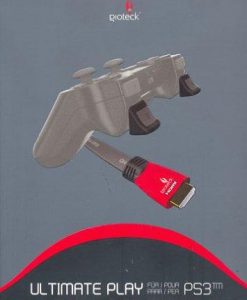
Gioteck Ultimate Play Pack With HDMI Cable & Triggers PS3 [video game]
Clear Sticmatz Non-Slip Mat Car Accessory
Island Fortress
Pandemic (2013)
A Game of Thrones Lcg: Forgotten Fellowship Chapter Pack
Approaching Dawn: The Witching Hours - English
Game - Neuland
CONJURING UNIVERSE ANNABELLE 3 ( Used item Unsealed )
DC: Man of Steel Mini-Game
Titanium Wars
Hordes High Command Deck Building Game 
Reviews
There are no reviews yet.